cutout.pro

Passport photo guide

Prepare an ID portrait with cutout pro passport

A passport photo has little room for creative editing: the face must remain recognizable, the background should stay simple, and the final crop must match the destination’s rules. Use this guide to plan a careful edit before submitting an image.

Review official rules before submitting
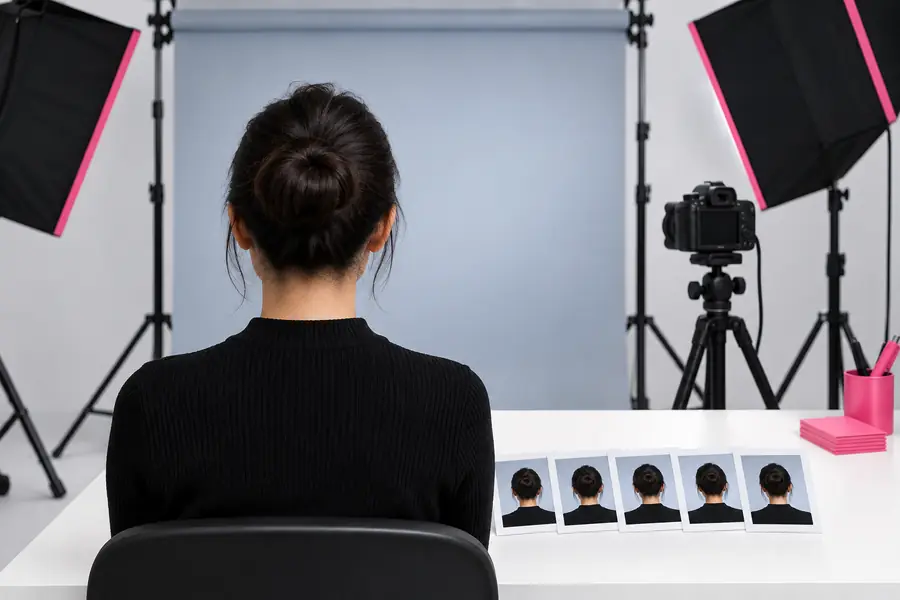
Clean portrait editing workspace for preparing an identification photo

The real constraint

The passport photo pain

Passport photos are not ordinary profile pictures. A polished result can still fail if the expression, framing, lighting, background, or facial details no longer match the issuing authority’s requirements.

It cannot guarantee acceptance

A visually clean image may still be rejected because each country, passport office, visa service, or application portal can apply different dimensions and rules.

WorkaroundCheck the official destination requirements after editing and use its stated size, crop, and submission method.

It should not change identity

Heavy retouching, face reshaping, eye enlargement, skin-smoothing, or removal of distinctive features can make the portrait unsuitable for identification.

WorkaroundKeep facial structure, marks, skin texture, and expression natural; limit edits to background, crop, and gentle exposure correction.

It cannot fix every capture problem

A blurred face, strong shadow across the eyes, glare on glasses, clipped hair, or an extreme angle may not be recoverable through background removal alone.

WorkaroundStart with a sharp, front-facing photograph taken in even light and capture a new image when the source is weak.

It does not replace a sizing check

An editor can help create a clean composition, but it may not know which pixel dimensions, printed measurements, file type, or head-to-frame ratio your application needs.

WorkaroundUse the official photo checker or instructions for the relevant passport, visa, or identity document before uploading.

A careful workflow

Three concrete passport workflows

Treat the edit as preparation, not as a way to invent a compliant photo. These three workflows keep the original identity visible while addressing the most common presentation problems.

Start with a suitable portrait

Choose a sharp, recent image with the subject facing forward, eyes open, a natural expression, and enough space around the head and shoulders. Avoid sources with motion blur, dramatic perspective, or strong colored lighting.

Clean the scene conservatively

Remove a distracting background or replace it with a plain, evenly lit tone. Correct exposure and color gently, but do not reshape the face, alter identifying marks, or create an artificial expression.

Crop, inspect, and verify

Apply the required portrait framing, inspect hair edges and facial details at full size, then compare the result with the official instructions. Export only after the background, proportions, and file requirements are checked.
Example output

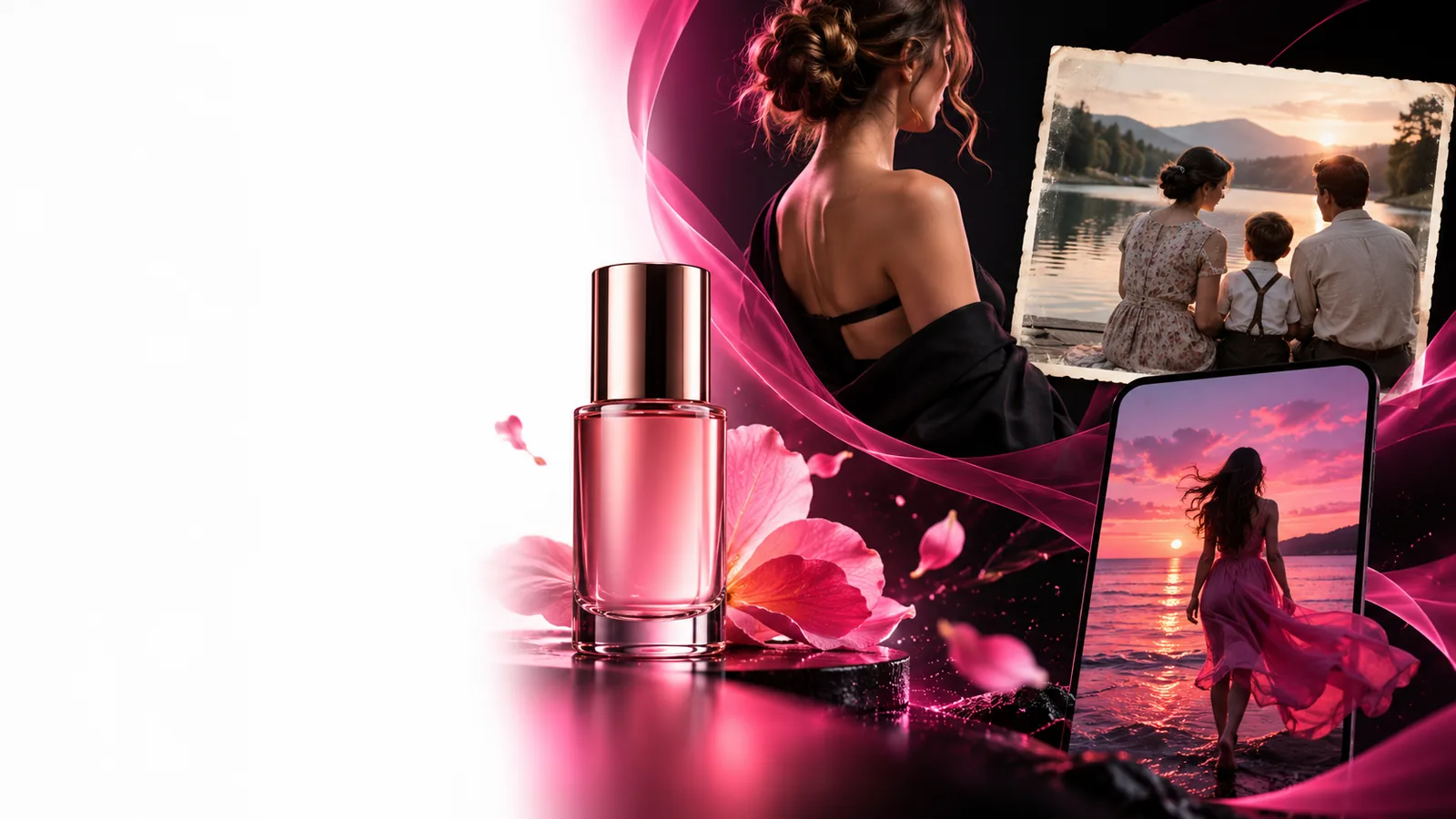
Example output for a passport portrait

The useful change is restrained: the subject stays recognizable while the surrounding scene becomes simpler and easier to check against an application’s instructions.

Source portrait

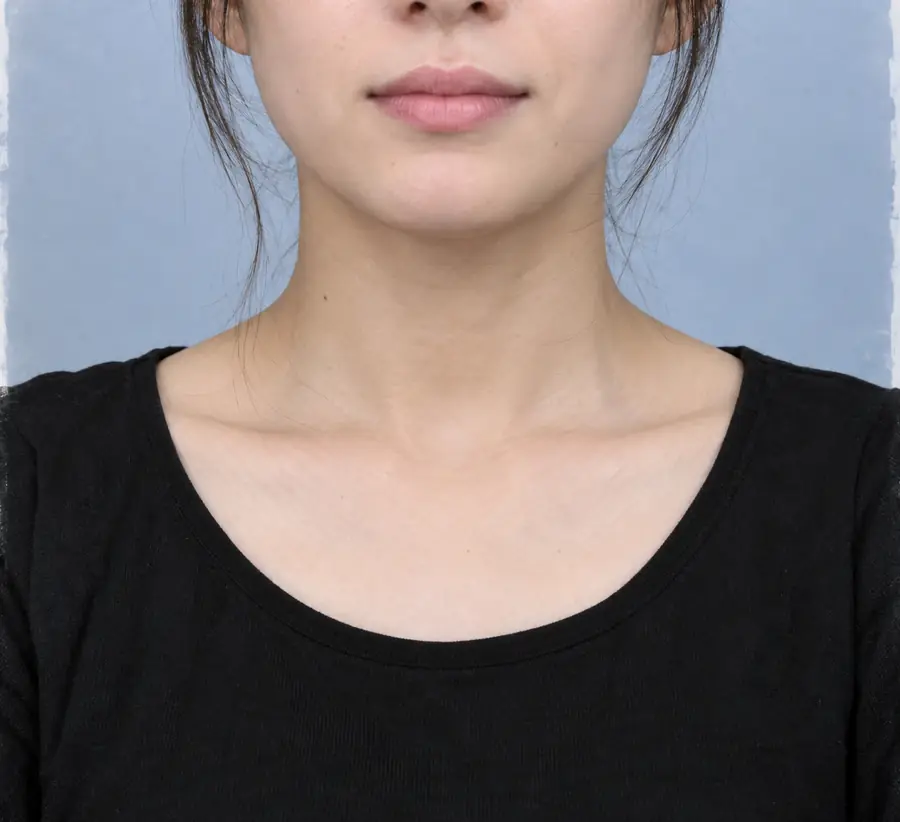
Portrait before a conservative passport photo cleanup
Portrait after a conservative passport photo cleanup
Prepared portrait

Use the cleaned result as a draft, then verify it against the official passport or visa photo rules.

Reference measurements

Compliance notes

These measurements are common reference points, not universal product guarantees. The authority receiving the image decides which size, crop, and technical rules apply.

Common U.S. passport photo size; confirm the current official requirement.
2 × 2 in
A frequently used international document-photo size; requirements vary by destination.
35 × 45 mm
Many authorities expect a recent photo, but the allowed age depends on the application.
6 months

Who benefits

Passport photo scenarios

Different applicants face different preparation problems. Use the linked guides for the broader editing workflow, then return to the issuing authority’s instructions for the final decision.

First-time applicant

You have a recent head-and-shoulders photo but the room behind you is busy or unevenly lit.

A conservative background cleanup can produce a clearer draft for review without changing the person’s appearance.

cutout pro online free

Frequent traveler

You need to prepare portraits for several destinations with different crops or measurements.

Keep one untouched original and create destination-specific copies only after recording each authority’s requirements.

how to use cutout pro online

Parent or guardian

A child’s portrait is usable, but the background, framing, or lighting makes the submission difficult to assess.

A simple, well-lit composition can improve reviewability while preserving the child’s natural features and expression.

cutout pro photo maker

Visa applicant

Your source image was made for a profile or résumé and has styling that may not suit a formal document photo.

Use the source only if the face remains clear and front-facing; remove distractions rather than adding dramatic retouching.

cutout pro vs free

Mobile photographer

You captured a promising portrait on an iPhone but need a more neutral presentation before checking the official specifications.

Review the image at full size, preserve natural detail, and treat the edit as preparation rather than proof of acceptance.

cutout pro review iphone

Ready to prepare

Make the portrait easier to verify

Start with a clear original, describe the background and framing you need, and inspect every facial detail before submitting anything. The final authority is always the passport, visa, or identity-document office that receives the photo.

  • Keep an untouched original
  • Use conservative identity-preserving edits
  • Check the official dimensions before submission

Scenario FAQ

Passport photo questions

No editing route can guarantee acceptance for every passport or visa application. Use it to prepare a clearer portrait, then compare the result with the current instructions from the authority receiving your application.

A plain, evenly lit background is commonly requested, so removing a distracting scene can be useful. The replacement should look natural and meet the destination’s required color, tone, and uniformity rules.

Keep facial structure and distinctive details unchanged. Avoid face reshaping, strong smoothing, eye enlargement, or removing marks because the image is used for identification rather than personal styling.

There is no single worldwide size. For example, U.S. passport photos commonly use 2 by 2 inches, while some international applications use 35 by 45 millimeters; verify the exact destination requirement before exporting.

Only if it meets the issuing authority’s recency rule and still represents your current appearance. Many applications expect a recent photo, so check the official guidance and retake the image when your appearance has changed.

Start creating
Start creating